
Using a Command Line - Windows
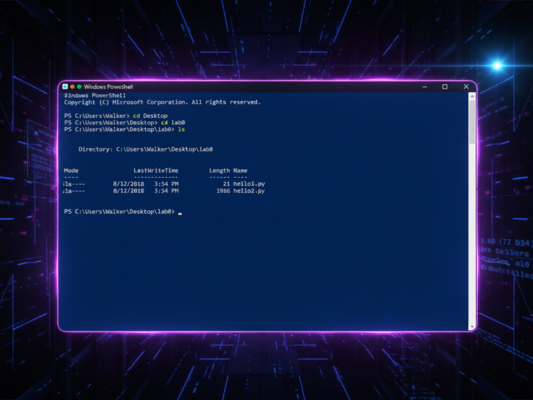
Learn the basics of using PowerShell on Windows, from opening it to navigating your file system and understanding WSL for development tools.
What you'll learn
- Open and understand PowerShell
- Navigate your file system using command-line commands
- Create, read, and manage files from PowerShell
- Understand WSL and why some tools need it
Modules
4
Pages
11
Estimated Time
42 min
Course Modules
Opening and Understanding PowerShell
Get comfortable with PowerShell on Windows - learn how to open it, understand what you're seeing, and overcome any intimidation.
8 min
3 pages
beginner
Basic Navigation
Learn essential PowerShell commands for navigating your Windows file system, including Get-Location, Get-ChildItem, and Set-Location.
12 min
3 pages
beginner
Working with Files
Learn essential file operations in PowerShell - reading, creating, copying, moving, and deleting files and directories.
12 min
2 pages
beginner
WSL Basics
Understand what WSL (Windows Subsystem for Linux) is, why some developer tools require it, and when you'll need to use it.
10 min
3 pages
beginner